Blog Authentication
When first building this small website, I thought it would’ve been better to just not expose the sensitive parts to the public. To just make a local service that I can only access locally in my house when connected to my router. But I thought that it would also be a hassle for me too if that were the case. So, the solution that I thought of was to add a simple authentication to access the sensitive pages on the website.
I decided that I wouldn’t immediately expose the route immediately to all users, I would have to jump through a few hoops first to access this page. The genius (/s) solution that I came up with is called ping-pong, bing-bong authentication that I will showcase further below. To tell you the truth, I don’t know why I tried to use this solution because a simple password might be enough. On the upside, I think this solution is pretty funny though.
Security through Obscurity
Security through obscurity is a term that I heard some very long time ago, that I don’t remember anymore where I heard it from. It has a really catchy name and it stuck to me for a very long time. I’m not quite sure it’s a good principle to have because I’m quite lacking in my knowledge in the field of cybersecurity. The only exposure I get of cybersecurity is from the channel Low Level Learning on Youtube. On a separate note, I urge you to watch their channel as it’s very interesting to listen to a security researcher talking about recent topics and general low level programming.
The basic premise of security through obscurity, from my understanding, is to hide something or how something works in plain sight. The idea is to not intuitively explain how something works, but still showing the exact thing that is sensitive. I might be butchering the definition a lot here, but I think everyone who reads the name would get the concept right away. And so, I’ve decided to hide things in plain sight.
Parts of this website will only show if you have the correct credentials, and to get those credentials, you have to access other parts of the website. Those prerequisites are available to all users that can access the site, they’re just obfuscated away. Once you access those parts correctly, you gain the privilege to access other sensitive parts of the website, or discover new parts of the pages you’ve visited before.
ping-pong bing-bong
The name actually gives everything away.
If you access this website’s /ping path segment, you’ll get a ‘pong’ reply. This just signifies part of the prerequisites is now filled in the browser. It just sets part of the required cookie to indicate that you have enough privilege to access some other parts of the website. The ordering of the name is quite important. When you access the path in the wrong order, you won’t get the correct key required. The actual key itself is a random hashed string that gets refreshed after a set amount of time. So the key you acquired today might not work in the next hour, or the next day (I forgot exactly the time interval I set for refreshing the key…).
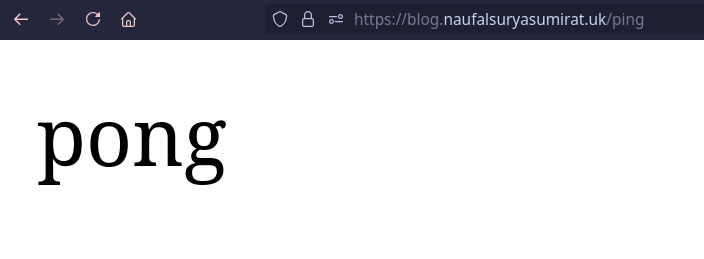
When you access one page of the website it sets half of the required key in your cookie. Ad when you access the other page, it sets the other half in your cookie. Together, it’ll be evaluated in my middleware by cross-checking it with the current key. The hashing algorithm I used to generate the key is the SHA-256 algorithm, which generates a 64-character long string.
It’s basically a convoluted way to get 2FA that can only be accessed through a few GET requests to some pages on the website. As you might imagine, it’s also a hassle to get the required privilege. Not quite on the level as actually going home and uploading locally though, so it’s quite an upgrade.
Added Measures
Of course, by writing this, it completely defeats the purpose of “security through obscurity” that I mentioned earlier. I clearly stated what anyone needs to do to upload something to my personal website. But, maybe because partly I really just wanted to show what I made to the vast and overly saturated platform we call the internet, even if not a soul will probably see this. So the true security through obscurity might actually be getting to the website itself. But, just in case I added some more security measures that I’m not writing on this article. (spoilers: it’s just a password form)
Goal
There’s really no clear cut goal on why I’m using this method just to upload some markdowns and images that I could maybe even do locally on local devices connected to the website’s host machine. I just think this is funny, and pretty interesting to implement as a distraction from the actual website (this was actually finished first before any other part of the website, you could say I’m a master procrastinator on my own projects). Ultimately, I think it’s just really funny.
Unseen Pages
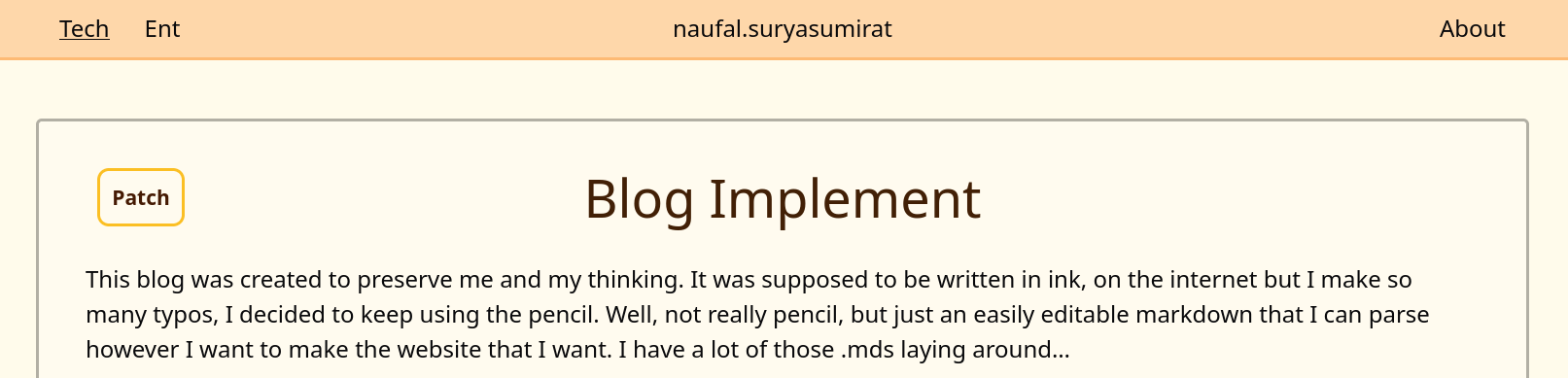
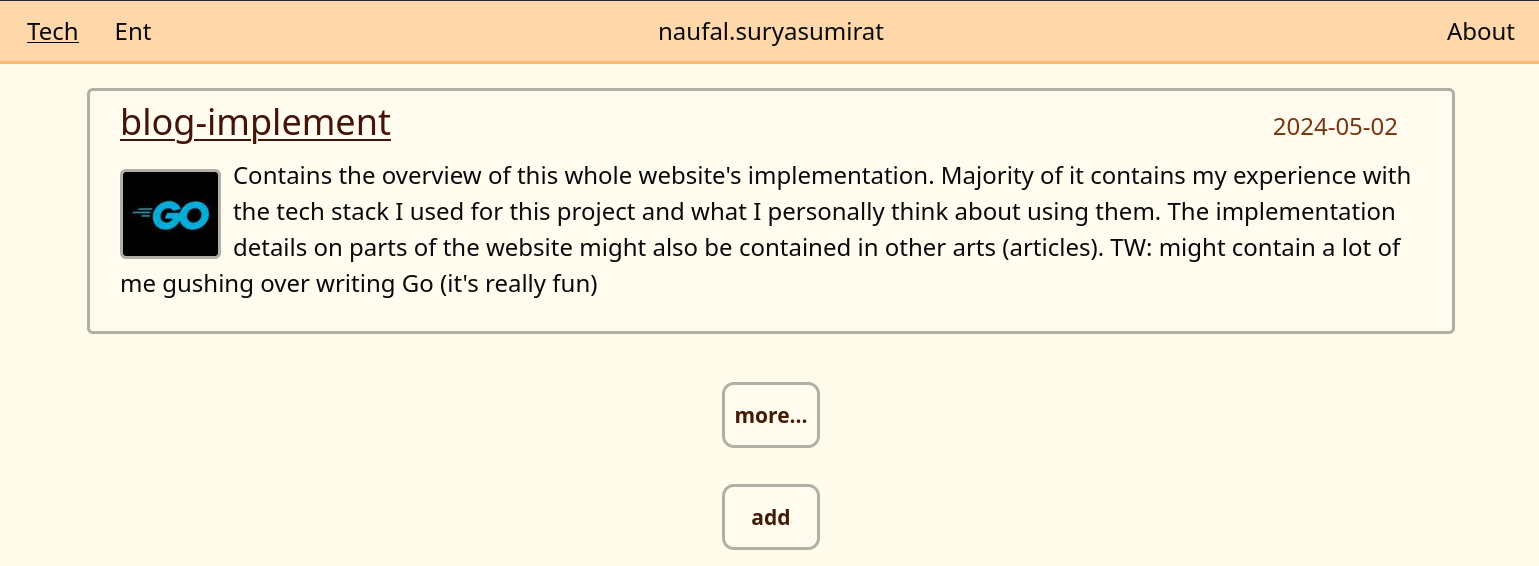
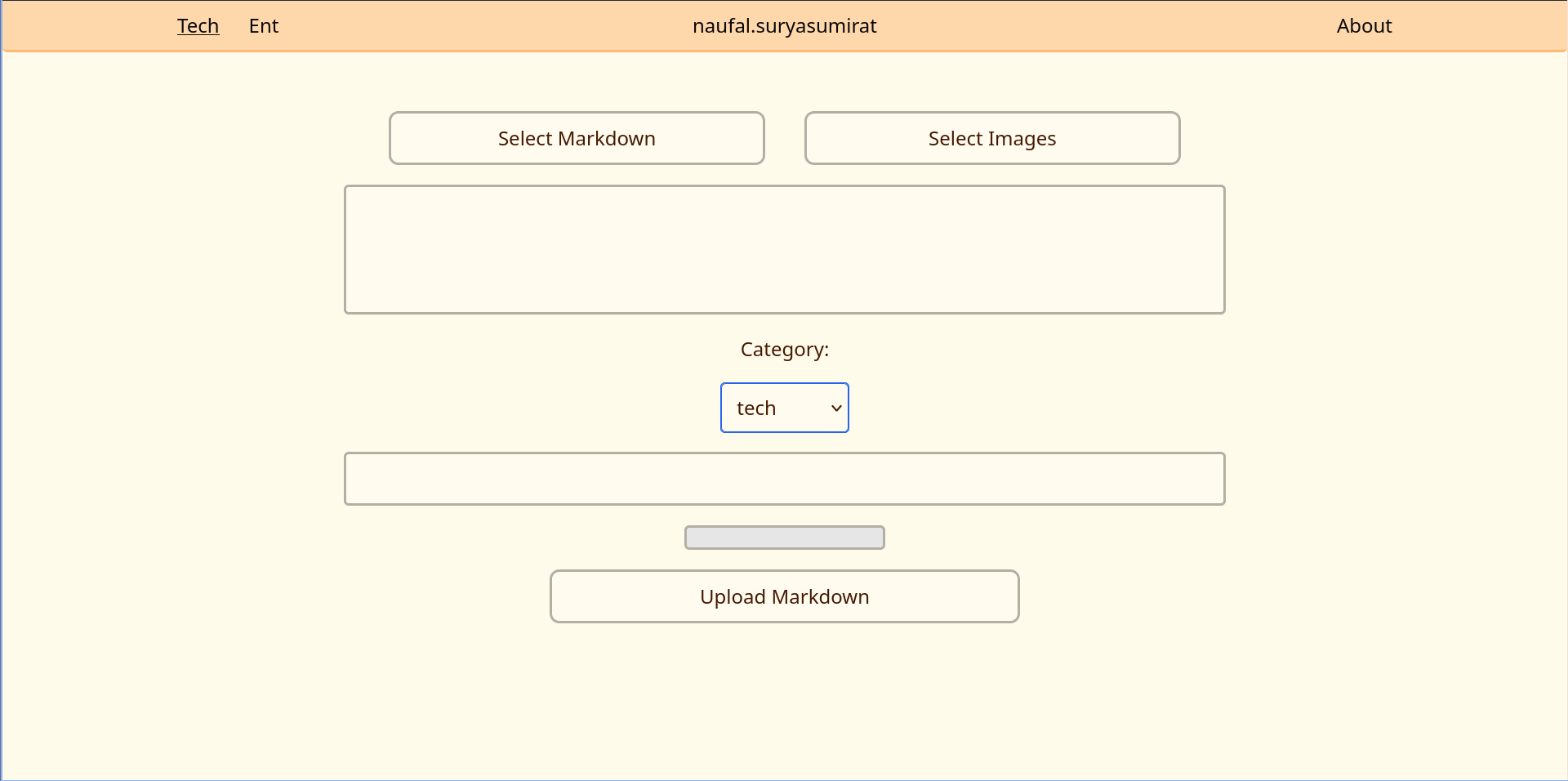
Here are some of the unseen pages, or the usual page with new elements related to admin privileges.
There’s patch article, new article, and an upload page